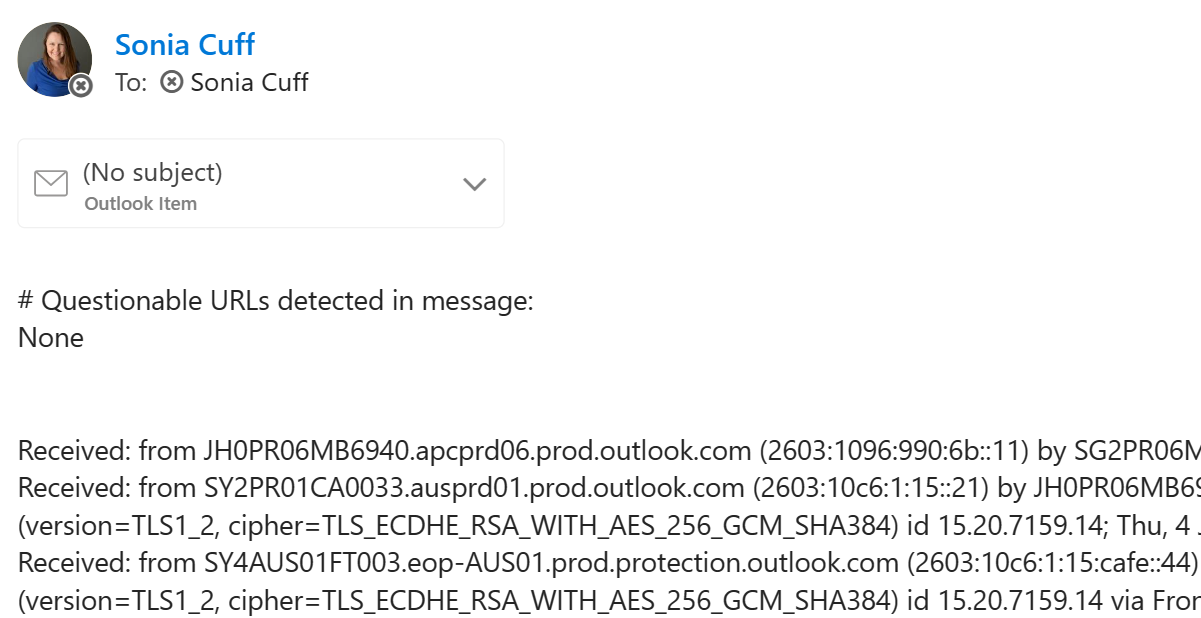
Questionable URLs detected in message email reply when reporting in Outlook
I swear I did not change a setting, but I’ve started experiencing the following behaviour with the Outlook client in Windows 11, that replaced the Mail app:
- Click on the ellipse (three dots … ) in an email, next to the forward, reply buttons
- Select Report then either Report Junk or Report Phishing
- Immediately receive a copy of the message headers as a new email to my Inbox, from myself, with the subject # Questionable URLs detected in message: None and a copy of the message as an attachment.
It’s likely this was a system change with a Microsoft Defender update and not related to the Outlook client at all, but here’s how to turn off those replies: