Email

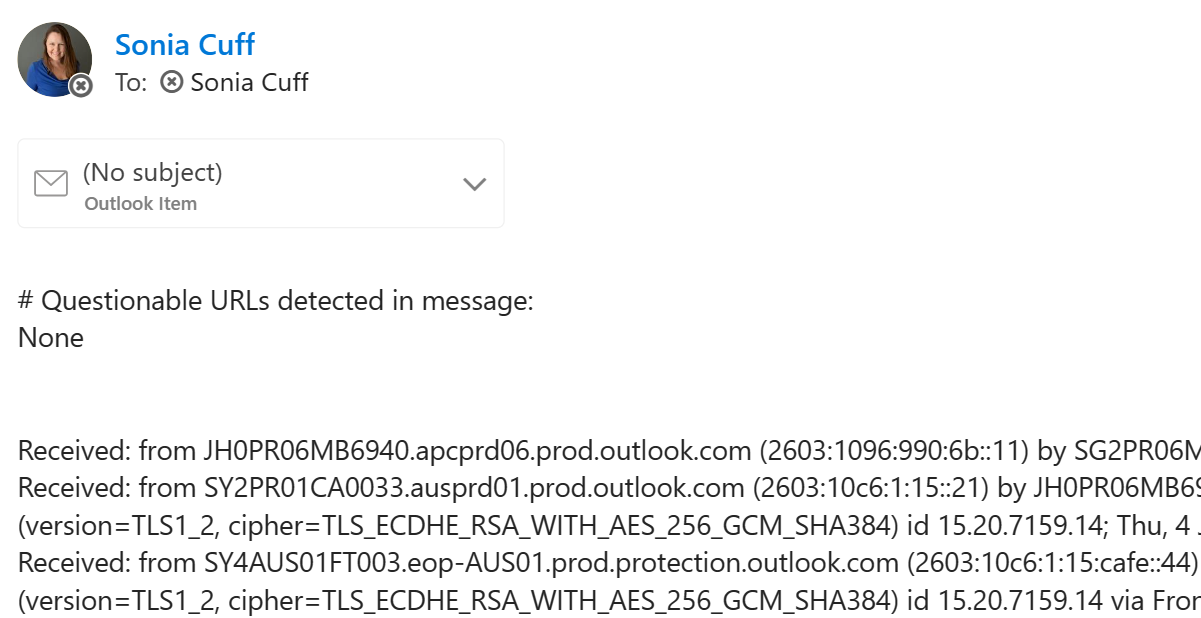
Questionable URLs detected in message email reply when reporting in Outlook

Questionable URLs detected in message email reply when reporting in Outlook

I swear I did not change a setting, but I’ve started experiencing the following behaviour with the Outlook client in Windows 11, that replaced the Mail app:

  • Click on the ellipse (three dots … ) in an email, next to the forward, reply buttons
  • Select Report then either Report Junk or Report Phishing
  • Immediately receive a copy of the message headers as a new email to my Inbox, from myself, with the subject # Questionable URLs detected in message: None and a copy of the message as an attachment.

It’s likely this was a system change with a Microsoft Defender update and not related to the Outlook client at all, but here’s how to turn off those replies:

5 tips for success with modern collaboration tools

I see so many people running to a technology because other people said it was good. That�s how our trusted referral society works, but it�s rarely the tech that solves the problem � it�s how you use it.

Modern collaboration tools are the hot topic right now, whether you prefer Slack or Microsoft Teams.

So I wrote my thoughts on the 5 tips to ensure success with tools like those, and published them on our company website:

�Hey yourname� from earthlink.net emails � spam

Just a quick post to show you some spam emails I�ve been receiving. My fantastic spam filter (http://www.ctscleanmail.com/) has been quarantining this stuff, but the subject AND the fact they are coming from the same domain name earthlink.net made me curious enough to do a little more research.

Spam list earhlink.net


A quick internet search shows that while earthlink.net is a valid email provider, it has been known to have issues with spam from user�s accounts in the past, especially spam that has been coded to include your name in the subject. See this July 2011 blog post�http://blog.onlymyemail.com/endless-spam-from-earthlink/

To the cloud .. or not? (A personal account)

This isn�t intended as a comprehensive argument on how to evaluate if Cloud Computing is right for you or not. �I�ve written it to show where we use Cloud Computing in our own business, and where we don�t. �As most of my readers aren�t IT Providers, you may find something relevant in this, or you may not. �But I�m a firm believer in recommending the best solution to a client for their individual needs, so our own decision on Cloud Computing has been based on our current business needs.

How to save yourself after accidentally deleting an email folder on your iPhone

In the tradition of �physician, heal thyself�, I�ll come clean and confess to a slight user error with my iPhone. I will also let you in on the secret of how I recovered from it, which you may also be able to do WITHOUT calling your IT department.

So, this iPhone thing is all new to me. I�m usually an early adopter, but my HTC phone was still under contract when the first iPhone came out and then I procrastinated�about the iPhone vs Windows Phone debate�so I managed to launch straight into a 4S.� Setting it up was rather straighforward � until I tried to add another email account.� Said second email account is on a server that isn�t mine, and all I had�was a wedmail address & the login details.� I can figure this out, surely.