Work From Home

Using the Microsoft Surface Dial to edit videos in Camtasia

Using the Microsoft Surface Dial to edit videos in Camtasia

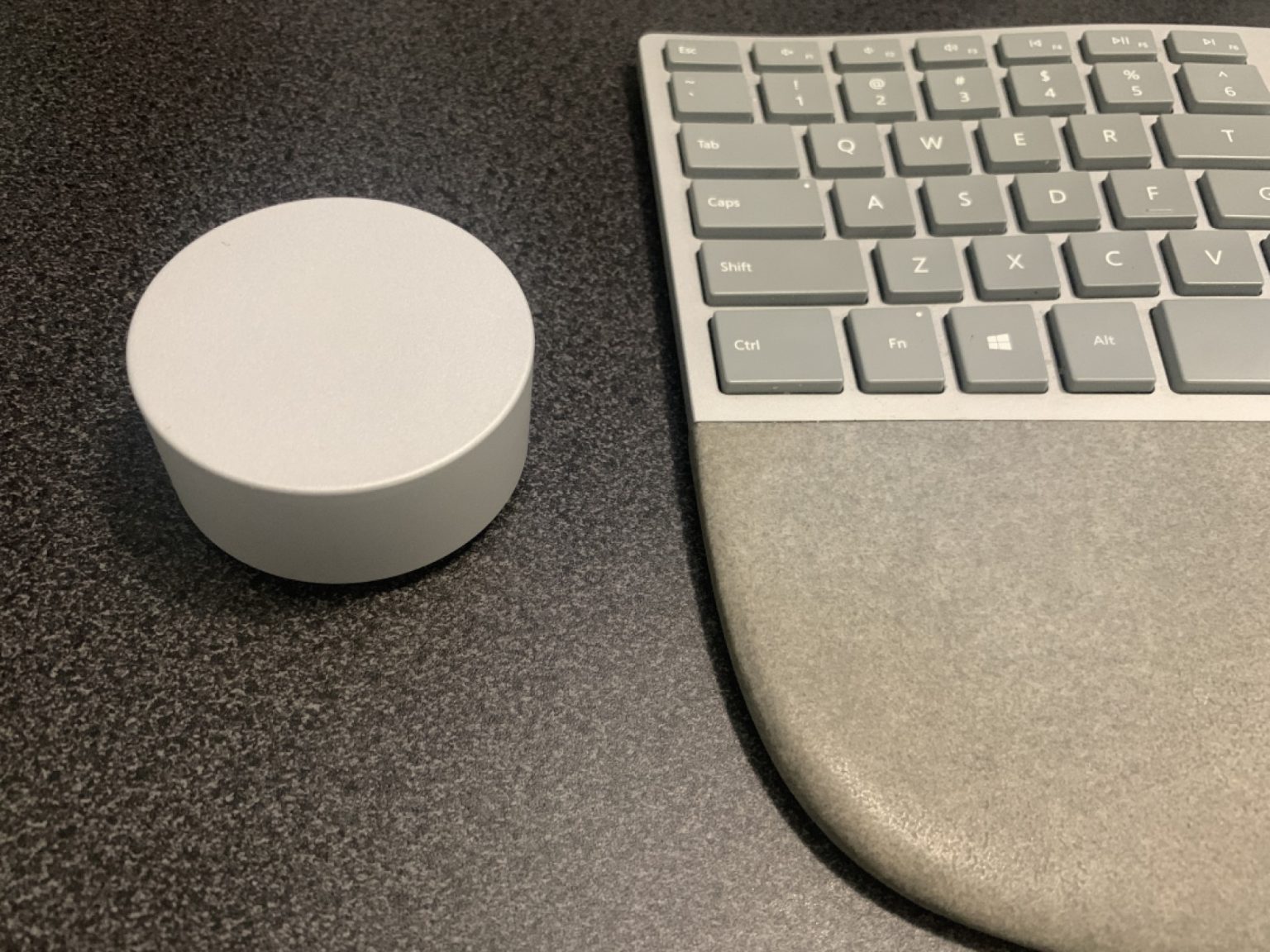
One of the best purchases I ever made was the Microsoft Surface Dial – it pays for itself every time I need to edit videos on my Windows computer in Camtasia Studio. The Surface Dial is a handy interface device for Windows even without the on-screen capability you get with devices like the Surface Studio.

Here’s how I configure it and what the editing experience looks like.

Applies to: Windows 10, Windows 11, Camtasia 2021 and earlier
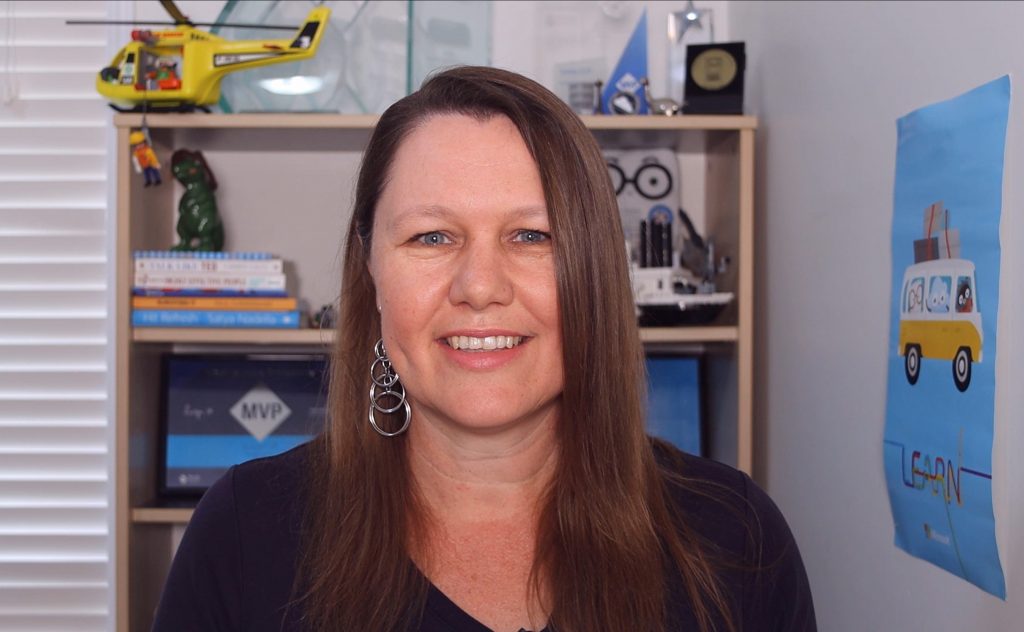
My home office setup for video recording and remote presenting

My home office setup for video recording and remote presenting

My role at Microsoft has always been primarily a remote role, from home. But as travel has? decreased, the amount of time I spend on video has dramatically increased, and that’s not just from meetings. Many technical presentations are pre-recorded (and moderated live when aired), or delivered live to camera, and I also record short promotional videos which are usually scripted for training content or events.

Here’s a walkthrough of the setup I’m currently using, to get results like this: