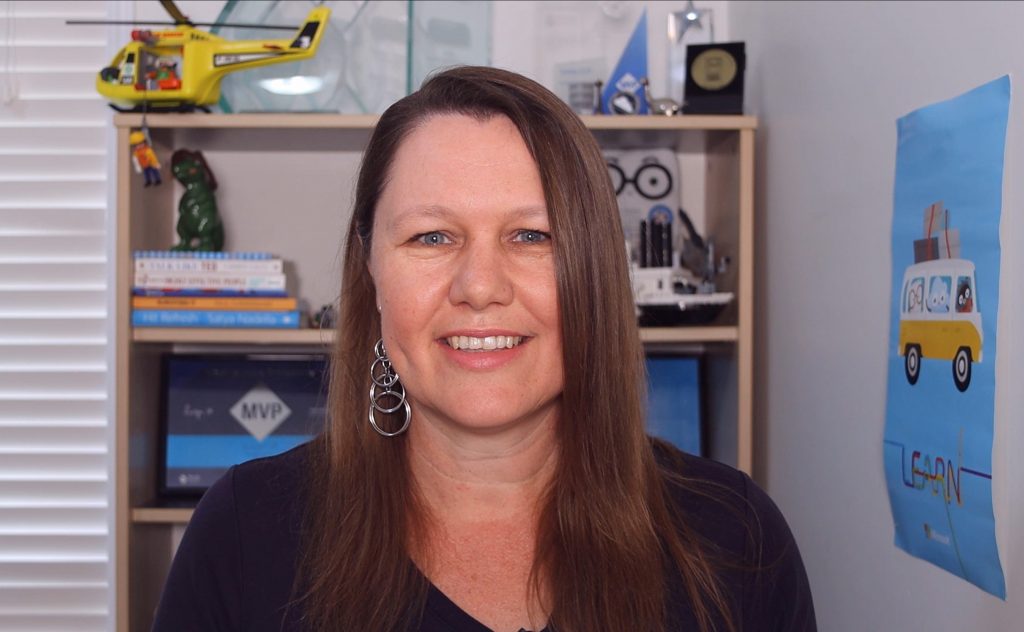
My home office setup for video recording and remote presenting
My role at Microsoft has always been primarily a remote role, from home. But as travel has? decreased, the amount of time I spend on video has dramatically increased, and that’s not just from meetings. Many technical presentations are pre-recorded (and moderated live when aired), or delivered live to camera, and I also record short promotional videos which are usually scripted for training content or events.
Here’s a walkthrough of the setup I’m currently using, to get results like this:
So you?re now a remote presenter!
The COVID-19 epidemic has seen the world go into lockdown and in-person events be cancelled. Many organisers have looked at online options to deliver events, whether they are industry tech meetups or conference, or school and universities etc. For many speakers, this has meant quickly learning a new skill ? presenting remotely!
It?s important to appreciate that this IS a different skill to presenting in front of a room full of people, on a stage with bright lights and a lapel mic. So lets look at some of those differences and tips for delivering a great talk online.
It�s not brain surgery
With rest, I regain my perspective.
I had a big lead-up to taking some time off. Then that turned out to be a little more stressful than we had planned. But I got to spend some dedicated time with the people I love the most, where I didn’t have to check emails. Bliss.
I beat myself up for failing to complete a task and having to hand it over. There might even be an entire blog post in that itself. Just as I’d tell anyone else that it’s ok to ask for help, I had to ask for help. When I set the bar high for being a person who will do what she has said she will do – personal circumstances meant I didn’t. The result – it got taken over and handled, because I am supported.