Windows 10

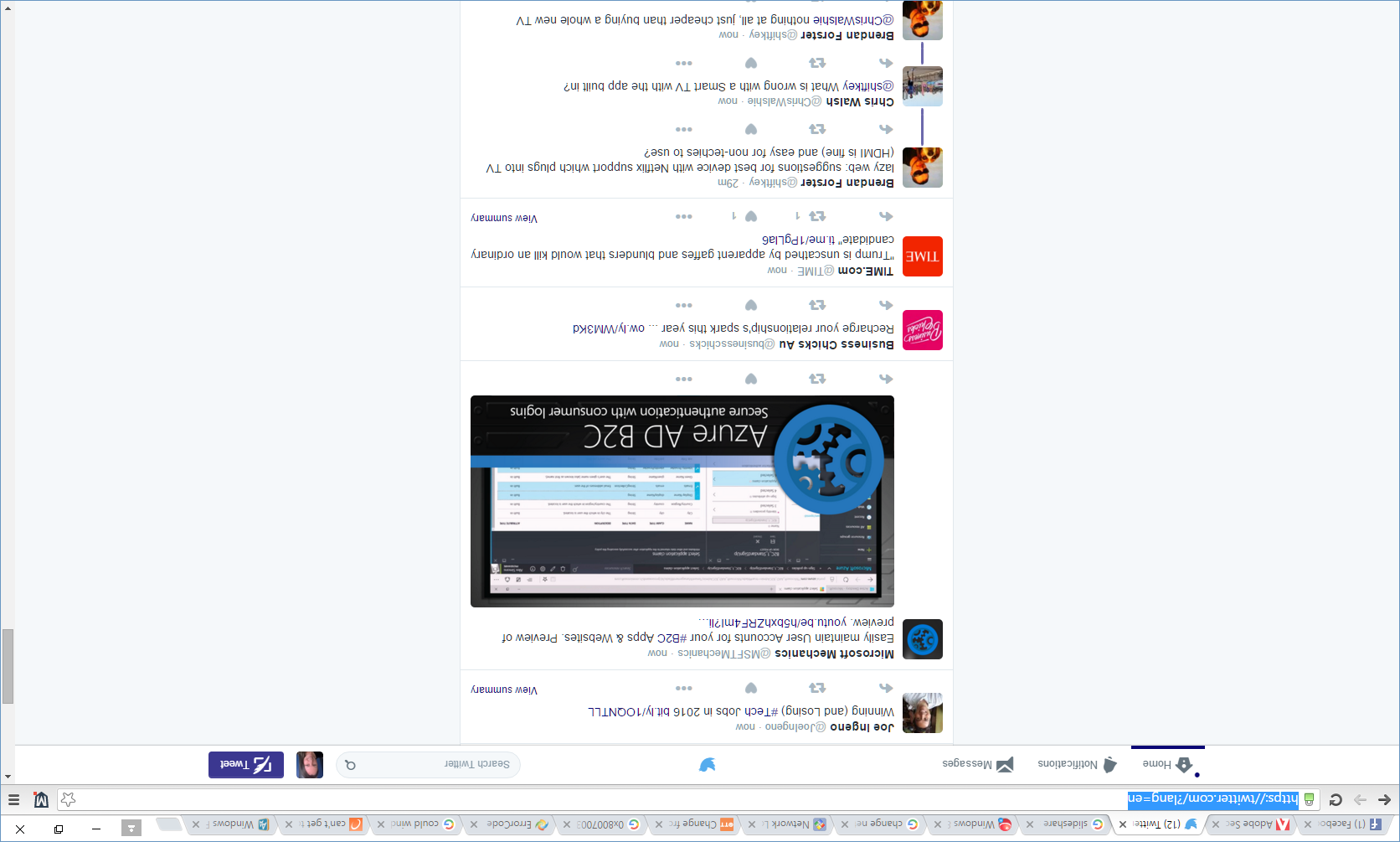
Flipped your Windows 10 screen?

Flipped your Windows 10 screen?

Flipped your Windows 10 screen?

I?m laughing because I just managed to flip my screen while writing the title of this post.

The keyboard shortcut for rotating your Windows 10 display is Ctrl +Alt + one of the arrow keys.

Sometimes I manage to trigger this by accident. I?m not holding down Ctrl + Alt, but if I press an arrow key to go back and edit a typo, I?m suddenly looking at things on my screen sideways or upside down:
How to get the ATO Business Portal to work on Windows 10

How to get the ATO Business Portal to work on Windows 10

The ATO Business Portal is vital to Australian businesses. This secure gateway allows us to provide reporting information to the tax office, to meet our compliance regulations.

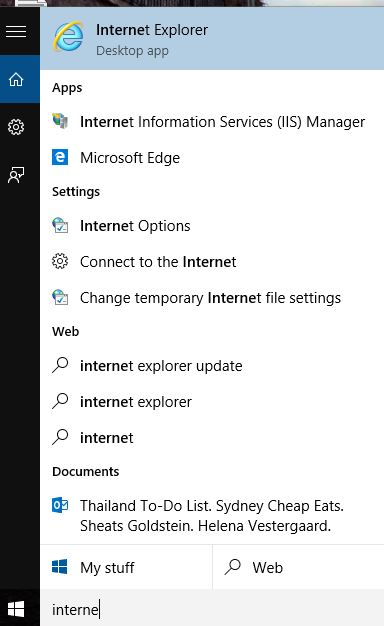
It?s understandable that if you do any of those kind of tasks (either for your own business or someone elses), you need to know that the website and it?s AUSKey authentication is going to work before you upgrade to Windows 10.

The goods news is ? it does work.

What you need to do before AND after upgrading to Windows 10

Microsoft has announced that a free upgrade to Windows 10 will be available on the 29th of July for�eligible systems. This can be applied anytime over the next 12 months and your computer will be presented with a system tray icon and popup showing you how. Note: Eligible computers are�those already running Windows 7 or Windows 8.1. If your computer is joined to a business �domain� network, you may still be eligible but won�t see the popup, so your IT department can control the upgrade process.