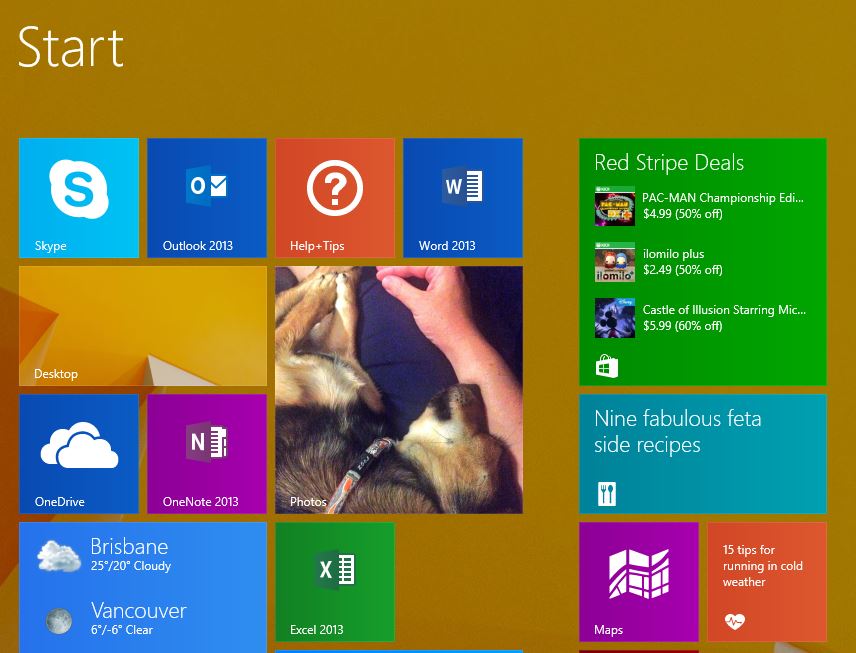
So you have a new Windows 8 PC ? now what?
A salesperson has guided you through the purchase of a new PC (desktop or laptop) and it?s now sitting in a box in your home. Assuming you can see the little symbols showing where to plug in the keyboard and mouse (which in reality are usually all just USB these days anyway), you should be good to just plug everything in and go, right?
Ah, well, almost.
Chances are that most PCs you?ll drag home from a retail store?have a manufacturers release of Windows 8 installed on them. Unfortunately, there are usually a ton of updates that have been released by Microsoft since that PC has its software installed ? the most important being the immensely helpful upgrade to Windows 8.1